The 40-Point B2B Website Audit Checklist We Run Before Every Launch
.svg)
We check forty things before we launch any Webflow site. Most agencies check five, maybe ten. The difference is in the details nobody notices until something breaks at 9am the day after launch.
Run through this before your next launch — or before your next redesign proposal conversation, so you know what questions to ask.
Performance (8 checks)
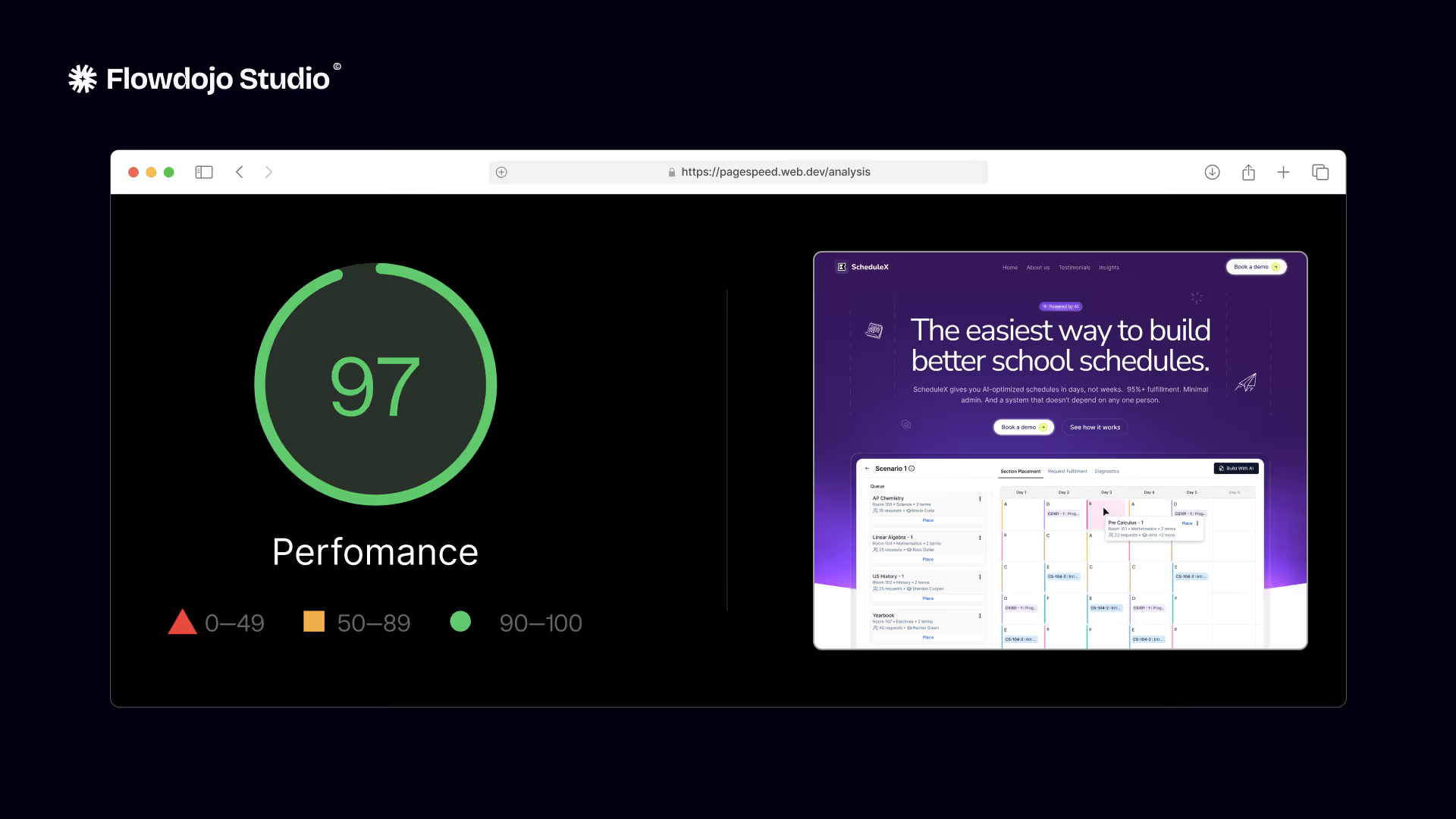
PageSpeed Insights score above 80 on mobile. Images compressed and in WebP format where supported. No render-blocking JavaScript loaded synchronously in the head. Time to First Byte under 600ms. Fonts loaded efficiently — ideally system fonts or preloaded web fonts, not four different Google Fonts families. No unoptimised videos autoloading on page load. Webflow's global CDN is active (check in hosting settings). Largest Contentful Paint under 2.5 seconds.
SEO (8 checks)
Every page has a unique title tag under 60 characters. Every page has a meta description under 155 characters — no duplicates, no blank fields. Each page has exactly one H1. Canonical URLs are set on every page and point to the correct live URL (not the staging domain). XML sitemap generates at /sitemap.xml and includes only indexable pages. robots.txt exists at /robots.txt and doesn't accidentally block Googlebot. All 301 redirects from the old site are in place and tested. Schema markup is present on relevant pages: Article schema on blog posts, ProfessionalService or Service schema on service pages, BreadcrumbList on all pages.
Mobile (8 checks)
Every page tested at 375px (iPhone SE), 390px (iPhone 14), and 768px (iPad). No horizontal overflow on any breakpoint — the most common mobile issue and the easiest to miss. Tap targets are at least 44x44px — buttons and links that are too small to tap reliably on mobile are a conversion killer. Body font is at least 16px on mobile. CTAs are visible without scrolling on mobile screens. Navigation is usable on touch without hover states. No elements overlap or clip on small screens. Form inputs don't zoom the viewport on focus (set font-size 16px on inputs).
CMS and forms (8 checks)
All CMS collection pages load with real content — no blank dynamic fields. Blog post template renders correctly with all field types. Forms submit successfully with a test submission. Form submissions route to the correct CRM (test with a real email address — check it arrives in HubSpot or Salesforce). Thank-you page or confirmation message shows after form submit. Spam protection is active on all forms. File upload fields (if any) have size limits set. All CMS images have alt text populated via the CMS field.
Conversion (8 checks)
The primary CTA is visible on every page above the fold on desktop and mobile. Social proof — testimonials, client logos, case study links — appears on the homepage without scrolling. Site loads under three seconds on a standard 4G connection (test with throttled Chrome DevTools). The contact page is reachable in one click from any page. GA4 is installed and receiving data — open Realtime report and load the site in another tab. All outbound links open in a new tab. Internal links work and point to the correct pages. No 404 errors exist on the live site (crawl with Screaming Frog immediately after launch).
Using this list
We use a version of this as a literal checklist with a checkbox next to each item, signed off by the person who tested it. "Looks fine" isn't a check — a specific person verified the specific thing. That's the only way to catch the fifth item you missed because you assumed someone else checked it.
If you want us to run this audit on your existing site, book the free 30-minute call. We'll go through your site live and tell you what's failing and what it would take to fix it.
Related Posts

Full transparent pricing breakdown — from $5,000 starter builds to $20K+ enterprise projects. Real numbers from 135+ builds.
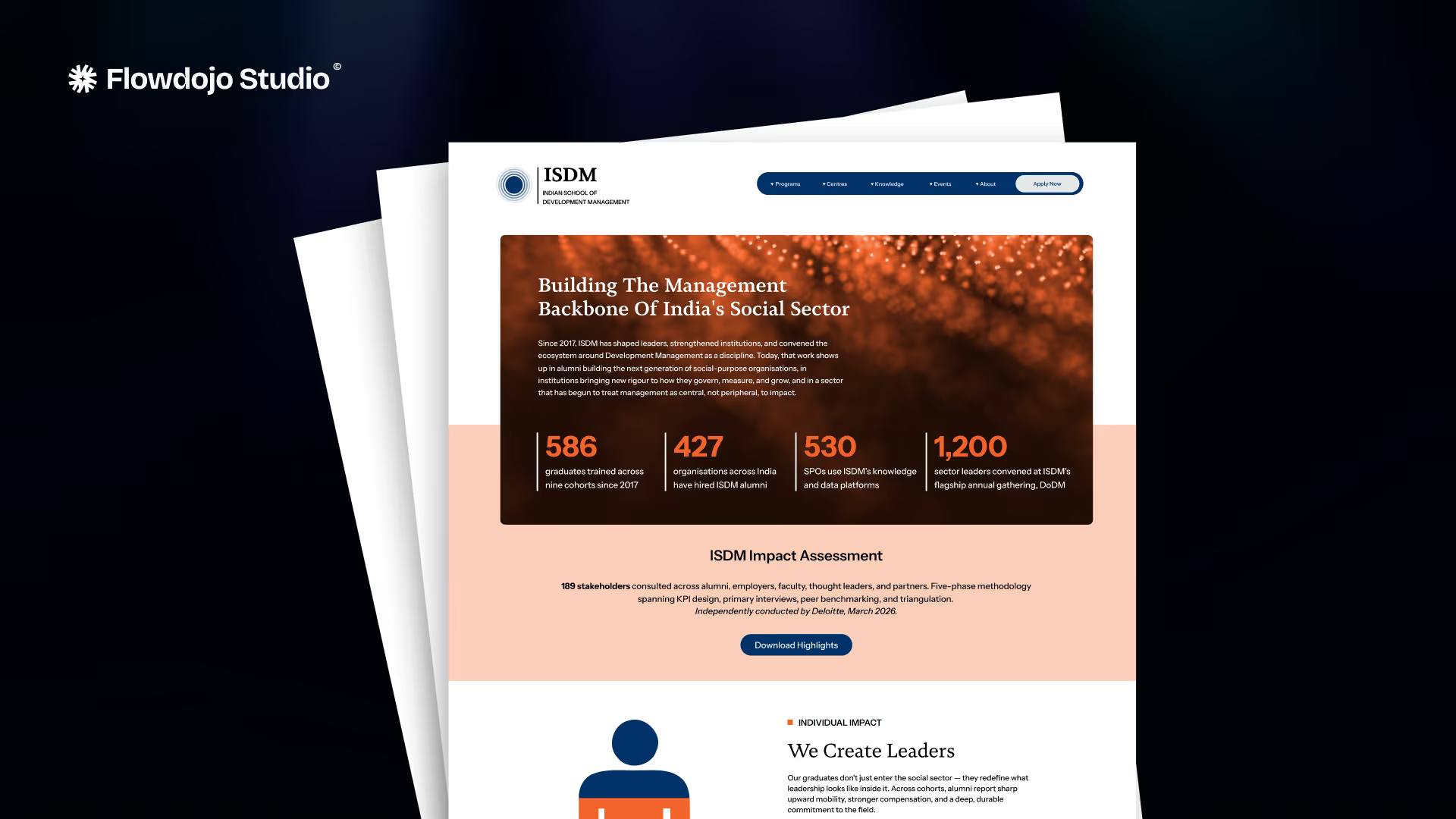
How Flowdojo migrated ISDM's 22-page education site to Webflow with thousands of articles and zero search ranking loss in 60 days. Full migration case study.