The Webflow SEO Migration Checklist — 30 Steps We Run Before DNS Goes Live

.svg)
This is the literal checklist we run before every Webflow migration. Not a summary of best practices — the actual items, in the order we check them. Some are obvious. Some are the things people skip because they seem minor and then spend three weeks fixing after launch.
Pre-migration (before you build anything)
1. Crawl the existing site with Screaming Frog. Export every URL, status code, title tag, meta description, H1, and canonical. This is your source of truth.
2. Export top pages from Google Search Console sorted by impressions. These are your highest-risk URLs — the ones you cannot afford to lose.
3. Document all backlinks to your top twenty pages. A broken redirect on a heavily-linked page costs more than a broken redirect on an orphan page.
4. Capture baseline rankings for your top fifteen keywords. You need a before-state to compare against.
5. Build the redirect map. Every old URL on the left, new URL on the right, one row each. Don't start the build until this is done.
6. Identify URLs being consolidated, removed, or restructured. These need deliberate decisions — merge to the closest relevant page, redirect to the category, or let them 404 (only acceptable if they have zero traffic and zero backlinks).
7. Verify the destination URLs in the redirect map actually exist in the new Webflow build before you add the redirects. A redirect to a 404 is worse than no redirect.
During the build
8. Set page titles for every Webflow page. No page should have a blank title field or the Webflow default.
9. Set meta descriptions for every page. Under 155 characters. No duplicates.
10. Set canonical URLs on every page. Use the final live URL, not the staging domain. If you're on Webflow staging, the canonical should already be pointing at the production domain.
11. Set OG title and OG description on every page. These feed LinkedIn and Slack previews — worth doing right.
12. Add schema markup. Article schema for blog posts (with datePublished and author), ProfessionalService or Service schema for service pages, BreadcrumbList on all pages.
13. Verify every image has alt text. CMS images need an alt text field in the collection. Static images need alt text in the asset settings.
14. Check all H1s — one per page, matches or closely resembles the page title, contains the target keyword.
15. Set up the XML sitemap in Webflow. Check that it includes only indexable pages. Exclude utility pages, thank-you pages, and any pages that should be noindex.
16. Configure robots.txt. Confirm Googlebot is allowed. Check that your staging environment is blocked (Webflow does this automatically on staging subdomains, but verify). Add rules for AI crawlers if you want AEO visibility: GPTBot, ClaudeBot, PerplexityBot.
17. Add all 301 redirects in Webflow (Site Settings → SEO → 301 Redirects).
Pre-launch QA on staging
18. Test every 301 redirect using a status code checker. Confirm 301 (not 302), confirm destination URL is correct, confirm no redirect chains (A → B → C → D).
19. Crawl the staging site and verify no 404 errors exist on intended indexable pages.
20. Confirm the staging site returns noindex on all pages (Webflow sets this by default — just don't turn it off).
21. Load the site in Chrome DevTools with network throttling set to "Fast 3G." Verify load time under five seconds. Check PageSpeed Insights for anything scoring below 70 on mobile.
22. Test all forms with real submissions. Confirm submissions reach the correct CRM or inbox. Confirm thank-you page or message shows.
23. Test the site at 375px, 390px, 768px, 1280px, and 1440px. No horizontal overflow. No elements clipping or overlapping.
24. Verify GA4 tag is installed and firing. Open the GA4 Realtime report, load the staging site, confirm active users registers.
Launch day
25. Lower old site DNS TTL to 300 seconds at least 48 hours before launch. This speeds up propagation.
26. Do the DNS cutover during low-traffic hours for your audience's timezone.
27. After DNS propagates: verify HTTPS is working. Verify the homepage loads. Verify three to five blog posts load with correct URLs. Test two to three redirects on the live domain.
28. Submit the sitemap to Google Search Console immediately after launch (Search Console → Sitemaps → add sitemap URL).
29. Run a crawl of the live domain within 24 hours. Catch any 404s created by propagation edge cases before Google finds them.
30. Set a calendar reminder for 7 days and 30 days post-launch to check Search Console for 404 spikes, ranking changes on your top twenty pages, and coverage anomalies.
The one thing most people skip
Item 30. Post-launch monitoring. The migration feels done when DNS changes and the site loads. It's not done until you've watched the data for thirty days. We caught two edge cases in ISDM's migration during that monitoring window — both fixed within 48 hours, neither reached meaningful ranking impact. That only happens if someone is watching.
If you're planning a migration and want to talk through which of these steps apply to your specific situation, the audit call is free.
Related Posts
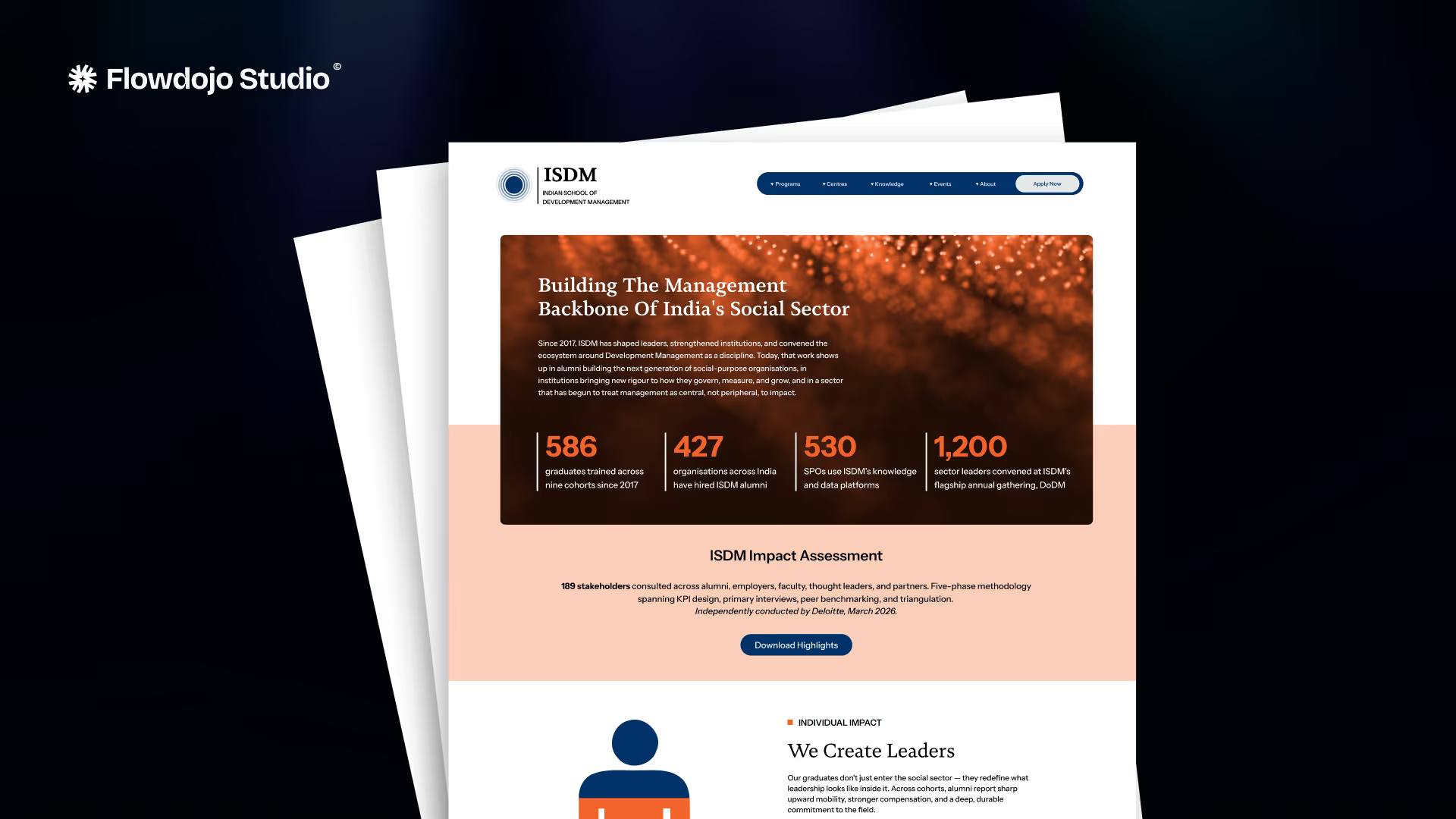
How Flowdojo migrated ISDM's 22-page education site to Webflow with thousands of articles and zero search ranking loss in 60 days. Full migration case study.